PayID vs POLi for Aussie Casinos
The transition that closed an era and opened the current one POLi was the default Australian casino deposit method for nearly seventeen years. Founded in 2006, it processed billions of…

iPhone vs Android for PayID casinos in Australia: PWA install, biometric flow, banking-app redirects and which platform is actually faster
 Available in AU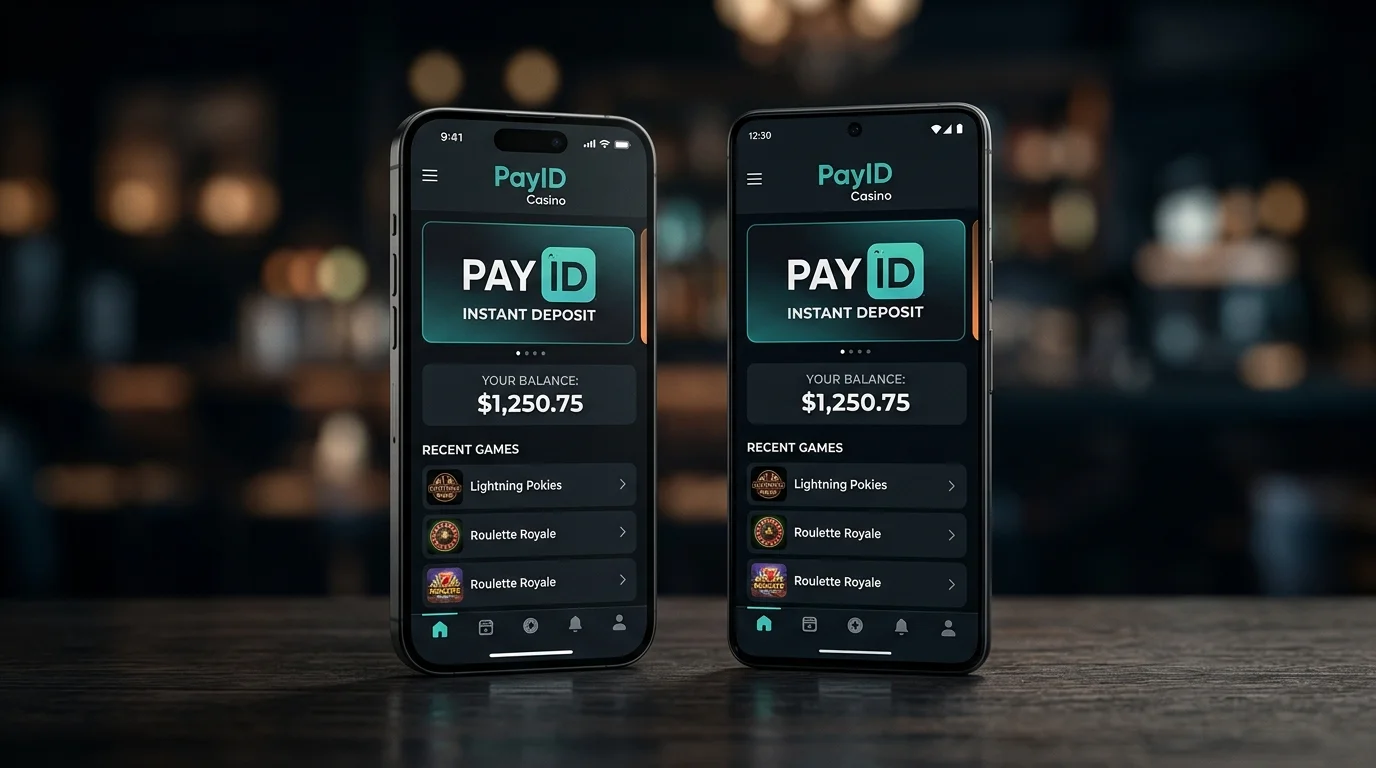
The question I get from readers more often than almost any other is whether they should switch phones to improve their PayID casino experience. The premise is wrong but the underlying confusion is real: the actual differences between iOS and Android in this context are not hardware differences and not even meaningful interface differences. They are policy differences imposed by Apple and Google on what casino applications are allowed to do, and UX differences in how the banking apps on each platform handle the cross-app handoff that PayID deposits require.
This piece walks through the actual operational differences a punter will encounter — app store policies that prevent native casino apps on both platforms, PWA installation behaviour, banking app integration patterns, and the timing differences in the deposit confirmation handoff. The verdict ahead of time: iOS is marginally smoother for the redirection flow, Android is marginally more flexible for the PWA installation step, neither difference is large enough to justify changing phones. Choose based on what you already use.
Both Apple and Google explicitly prohibit real-money gambling apps targeted at Australian users from their respective stores. The Australian online casino market sits at US$1,657.2M in 2024 and growing — substantial enough that operators would have launched native apps long ago if the platform policies allowed. The policies are deliberate, not technical limitations.
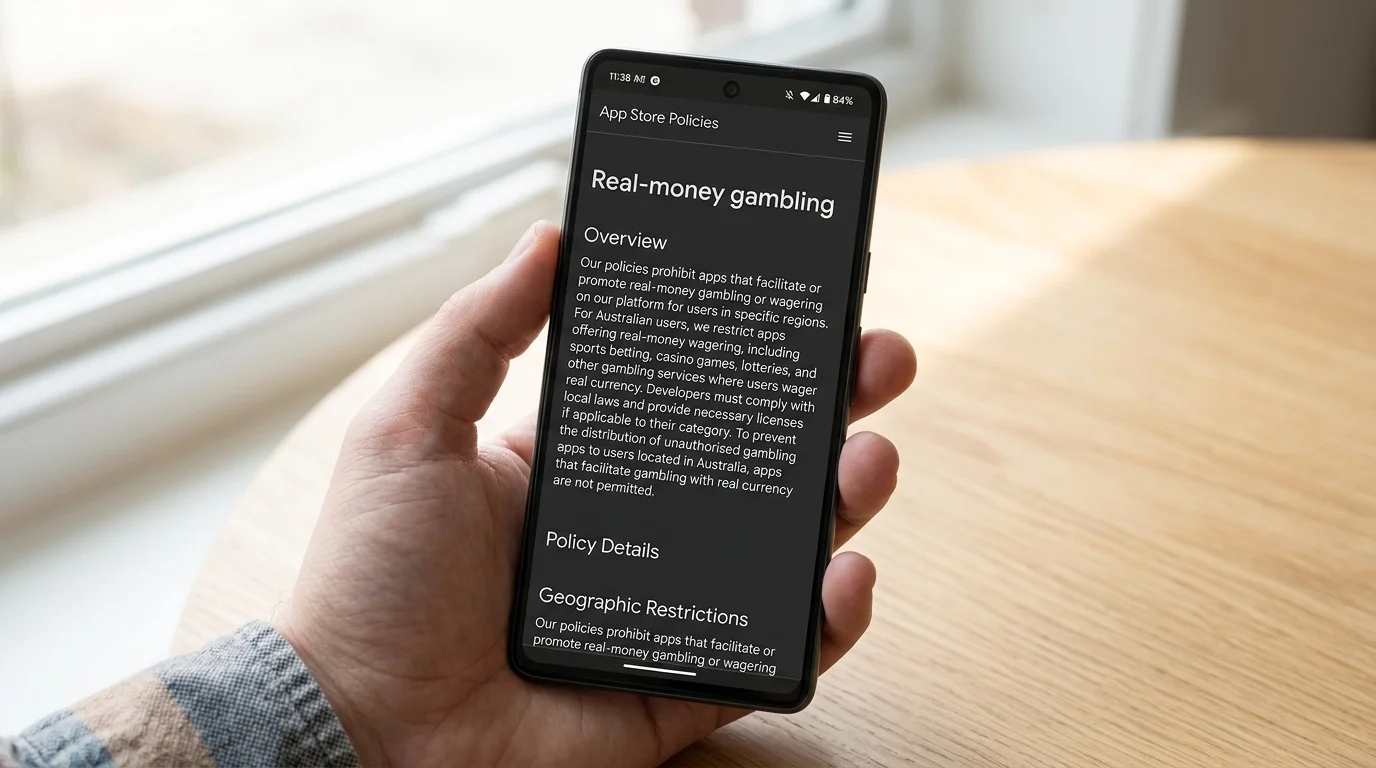
Apple’s App Store guidelines prohibit casino-style real-money apps in jurisdictions where the operator does not hold local licensing — and AU-facing offshore casinos do not hold AU licensing, so they cannot list on the Australian App Store. The same applies in reverse: AU-licensed sportsbooks and lottery products can list on the App Store with appropriate certifications, but they are not casinos.
Google’s Play Store applies similar restrictions through its real-money gambling policy. Operators must demonstrate local licensing, age-verification mechanisms, and compliance with the local jurisdiction’s regulatory framework. The AU-facing offshore casino market does not meet any of these requirements from Google’s perspective.
The consequence for Australian punters is that every PayID casino is accessed through the mobile web browser, not through a native app. The operator’s website is responsive-designed for mobile, the experience is browser-mediated, and the punter installs the operator as a Progressive Web App (PWA) if they want home-screen access. This routing is universal across both platforms — the differences arrive in how iOS and Android handle the PWA installation and the banking-app handoff during PayID transfers.
The iOS PWA installation path runs through Safari and only through Safari. Chrome on iOS does not support PWA installation because Apple’s WebKit policy prevents Chrome from installing icons to the home screen — Chrome on iOS is effectively Safari under a Chrome wrapper, and the PWA capability is restricted to the underlying Safari engine.
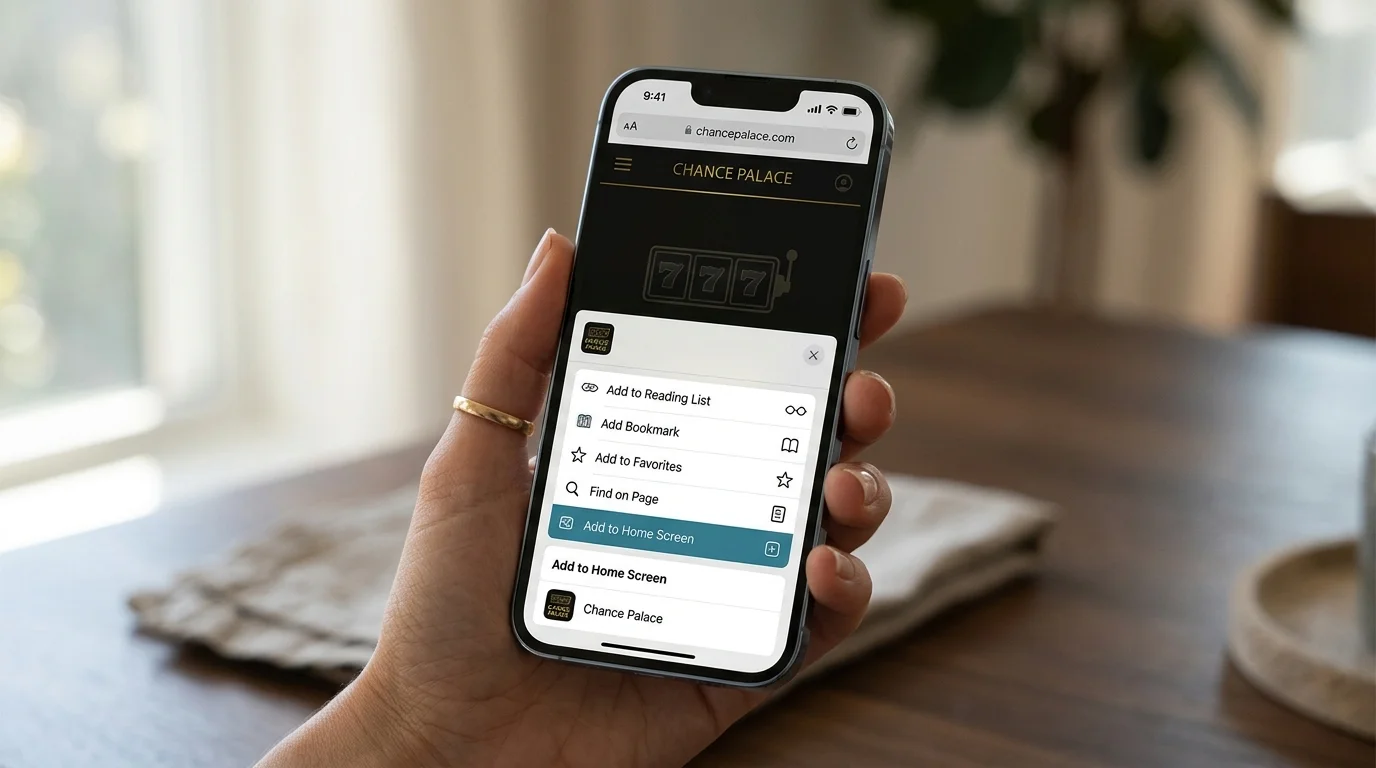
The flow: open the casino’s mobile site in Safari, tap the Share button (the icon with the arrow pointing up out of a box), scroll down in the share sheet, and select “Add to Home Screen.” Confirm the name, tap Add, and the casino icon appears on your home screen. Tap the icon and the site loads in a Safari-rendered window without the address bar or navigation chrome — the closest experience to a native app that iOS allows for casino content.
The limitations on iOS PWAs are meaningful. Push notifications are restricted compared to Android — operators can send web notifications through the Notifications API but only after the user has explicitly granted permission and only with significant restrictions on frequency and content. Background sync is limited, which means real-time bonus notifications, withdrawal status updates, and other operator-pushed messages will not arrive reliably when the PWA is backgrounded.
Biometric authentication on iOS PWAs runs through the Web Authentication API and uses Face ID or Touch ID through the standard browser security flow. This works reliably but adds an extra confirmation tap on each login session compared to Android, which has a more streamlined biometric integration. The session persistence is identical to a normal browser session, with cookies and localStorage controlling login state.
Android PWAs install through Chrome (and through Samsung Internet, Firefox, and Edge — all the major Android browsers support the PWA spec). The flow on Chrome: open the casino site, wait for the install banner to appear automatically (or tap the menu and select “Install app”), confirm the name, and the icon installs to the home screen. Some operators also surface an explicit “Install our app” button in the lobby that triggers the installation directly.
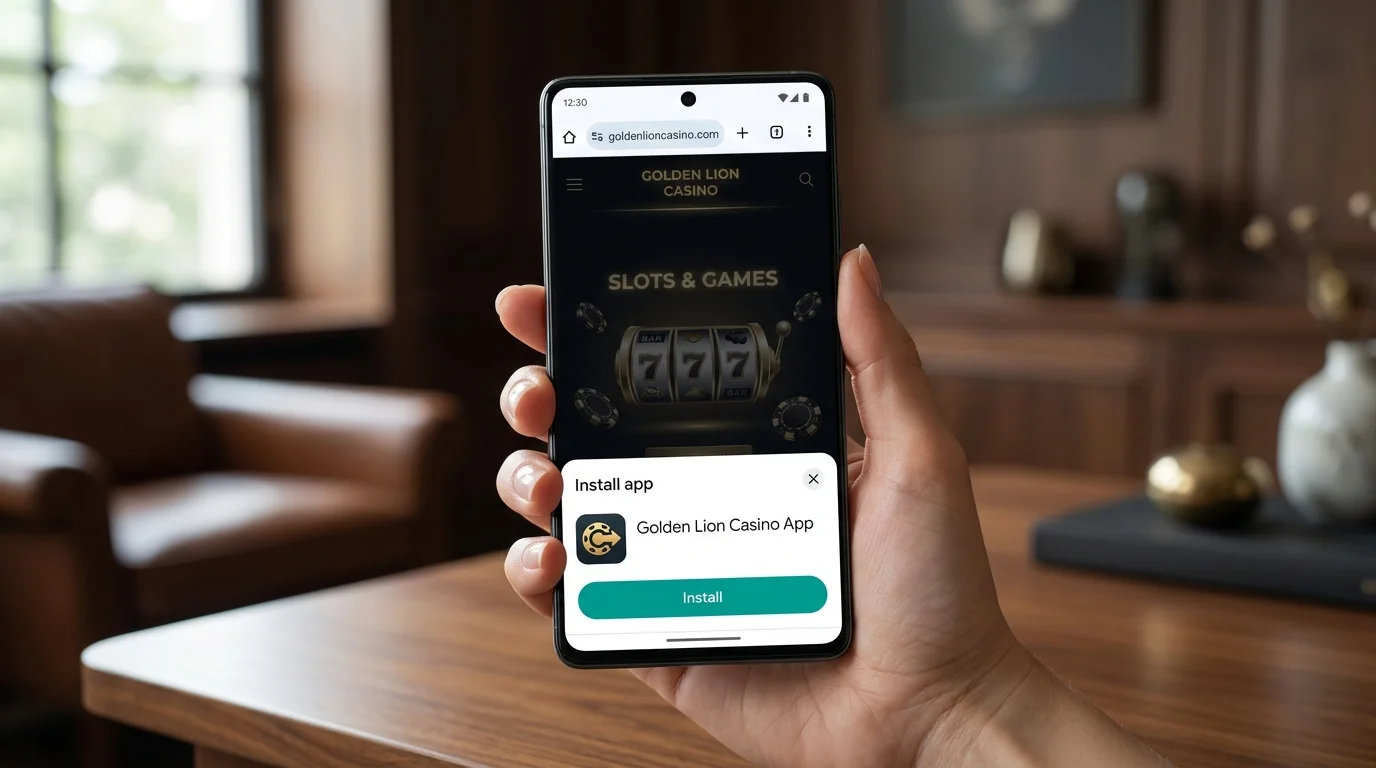
The install banner appears automatically when Chrome detects the site has a valid manifest file and meets the PWA installability criteria. This is friction-free — the user does not need to know about Share menus or hidden installation paths. For a punter unfamiliar with PWA concepts, this is the more discoverable installation flow.
Once installed, the Android PWA runs in a standalone window with no Chrome chrome (no address bar, no tabs). The experience is closer to a native app than the iOS equivalent because Android’s PWA implementation is more mature and the restrictions are looser. Push notifications work reliably without the iOS limitations, background sync is supported, and the installation produces an actual entry in the app drawer alongside native apps rather than just a home-screen shortcut.
Biometric authentication on Android PWAs works through the system fingerprint sensor or face unlock with a single-tap confirmation. The integration is smoother than iOS’s WebAuthn flow because Android’s biometric API has fewer permission gates between the browser and the device sensor. Banking apps on Android also handle the cross-app handoff slightly differently, which becomes relevant when PayID transfers fire.
Every PayID deposit involves a handoff: the casino cashier triggers a payment intent, the banking app opens to confirm, the user authenticates and confirms the transfer, and the banking app returns the user to the casino. The handoff mechanics differ between iOS and Android in ways that affect the user experience.
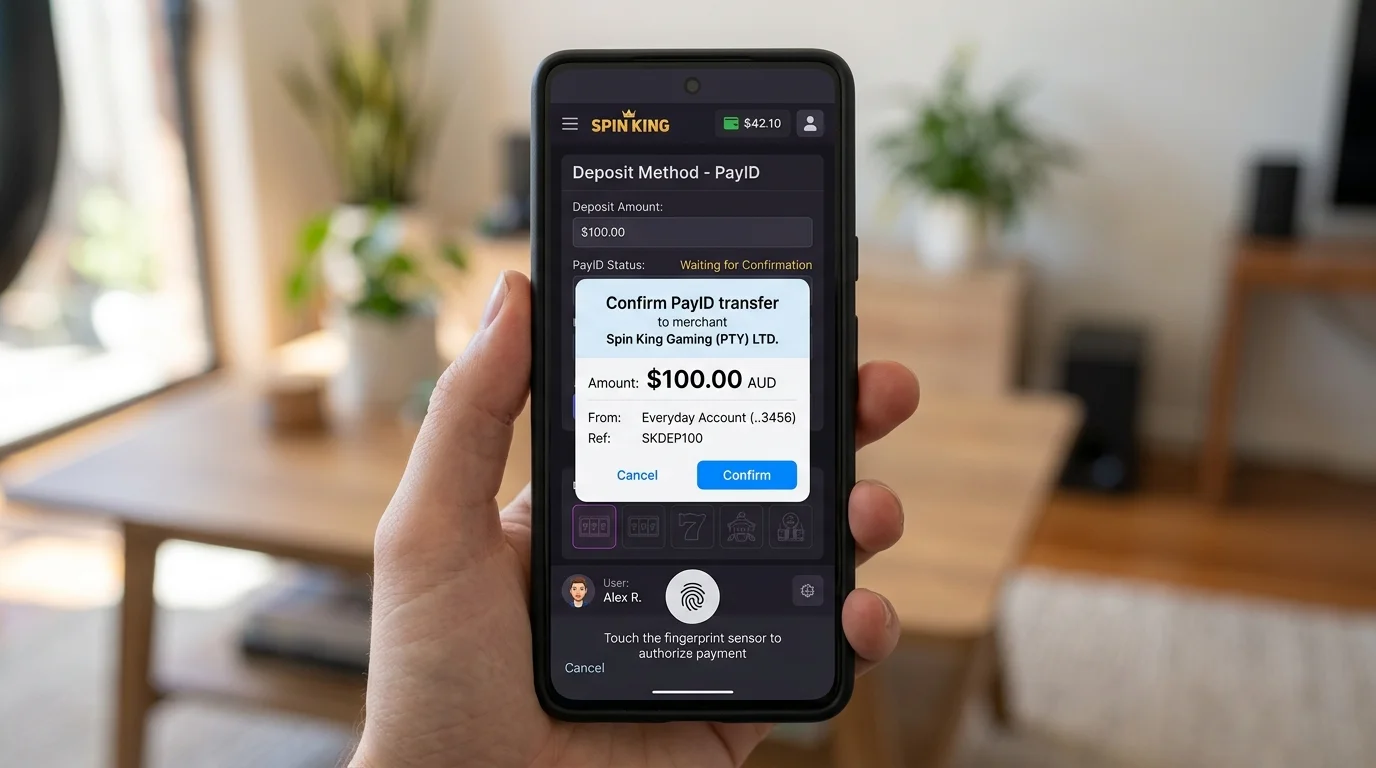
On iOS, the handoff runs through Universal Links — Apple’s mechanism for associating specific URLs with specific apps. When the casino’s cashier links to a PayID transfer initiation, iOS checks whether a matching banking app is installed and routes the link to the app if one is found. The handoff is smooth and the return to the casino happens automatically via the same mechanism. With 114+ million accounts in the NPP network by end-2024, the major Australian banking apps all support Universal Links for PayID initiation, so the handoff works reliably across CommBank, Westpac, NAB, ANZ, and the major mid-tier banks.
On Android, the handoff uses Intent-based linking — Android’s equivalent mechanism for app-to-app handoffs. The system handles this slightly differently: Intent resolution sometimes presents a chooser dialogue asking which app to use if multiple banking apps are installed, which adds an extra tap. For users with a single banking app installed, the behaviour is similar to iOS. For users with multiple banking apps, Android adds a confirmation step that iOS skips. For deeper context on the mobile experience as a whole across both platforms, see broader PayID mobile app experience guide.
The return path from banking app back to casino is where iOS has a small advantage. iOS Universal Links return users to the originating Safari session reliably, with the casino page state preserved. Android Intent-based returns sometimes lose the session state, requiring the user to refresh the cashier page after the banking handoff completes. This is a 5 to 15 second annoyance, not a deal-breaker, but it accumulates across multiple deposits.
Across a full deposit cycle — open casino, navigate to cashier, initiate PayID, confirm in banking app, return to casino, see balance updated — iOS averages 1 to 2 seconds faster than Android. The difference comes almost entirely from the Universal Links return path being more reliable than Android Intent returns.
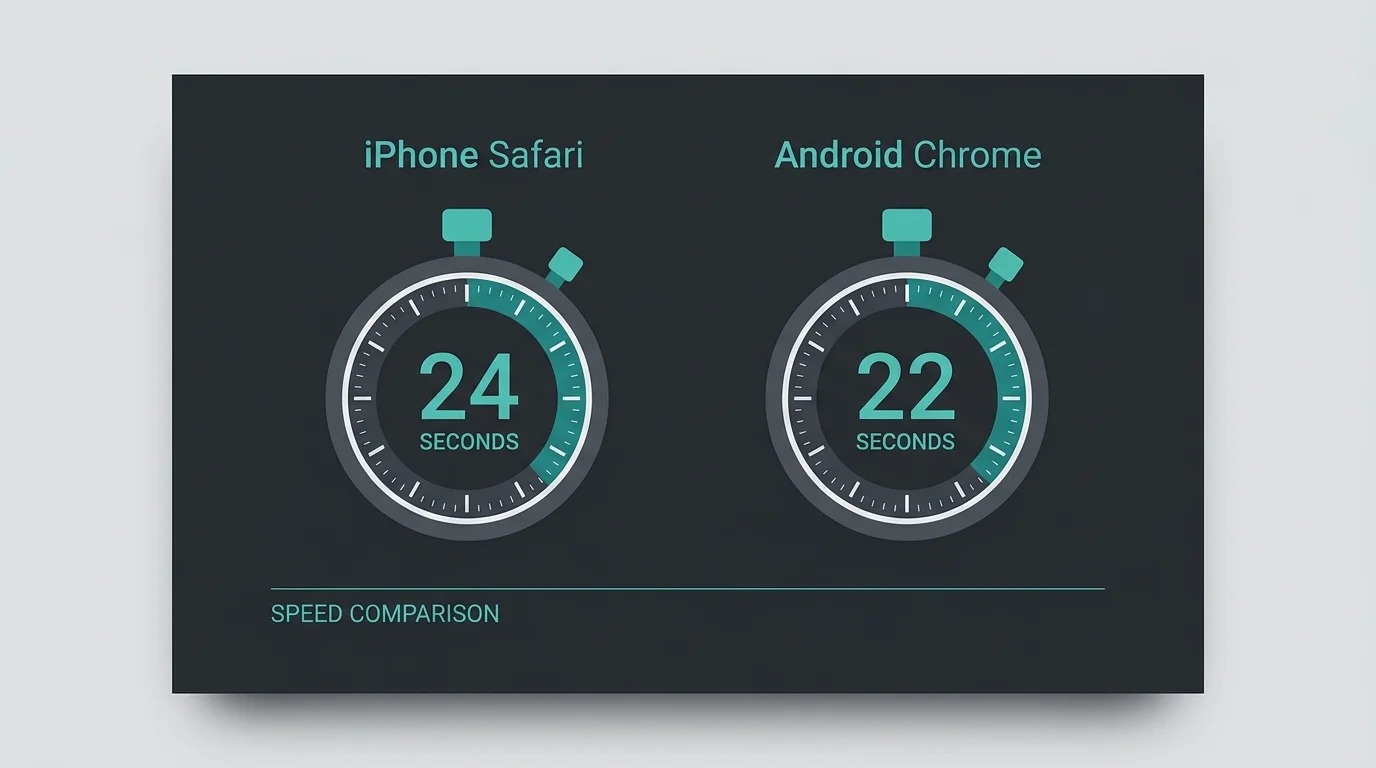
For a punter making a single deposit, the difference is irrelevant. For a punter making multiple deposits across a session, the difference compounds: ten deposits at 2 seconds each is 20 seconds of cumulative friction, which is below the threshold most people would notice but not zero. The compounding matters more for live dealer players who deposit between hands than for slot players who deposit once and play extended sessions.
Speed of game loading after deposit is platform-neutral — the games run in the browser and load identically on both platforms once the deposit clears. Speed of withdrawal initiation is also platform-neutral, with the same Universal Links and Intent flows applying in reverse.
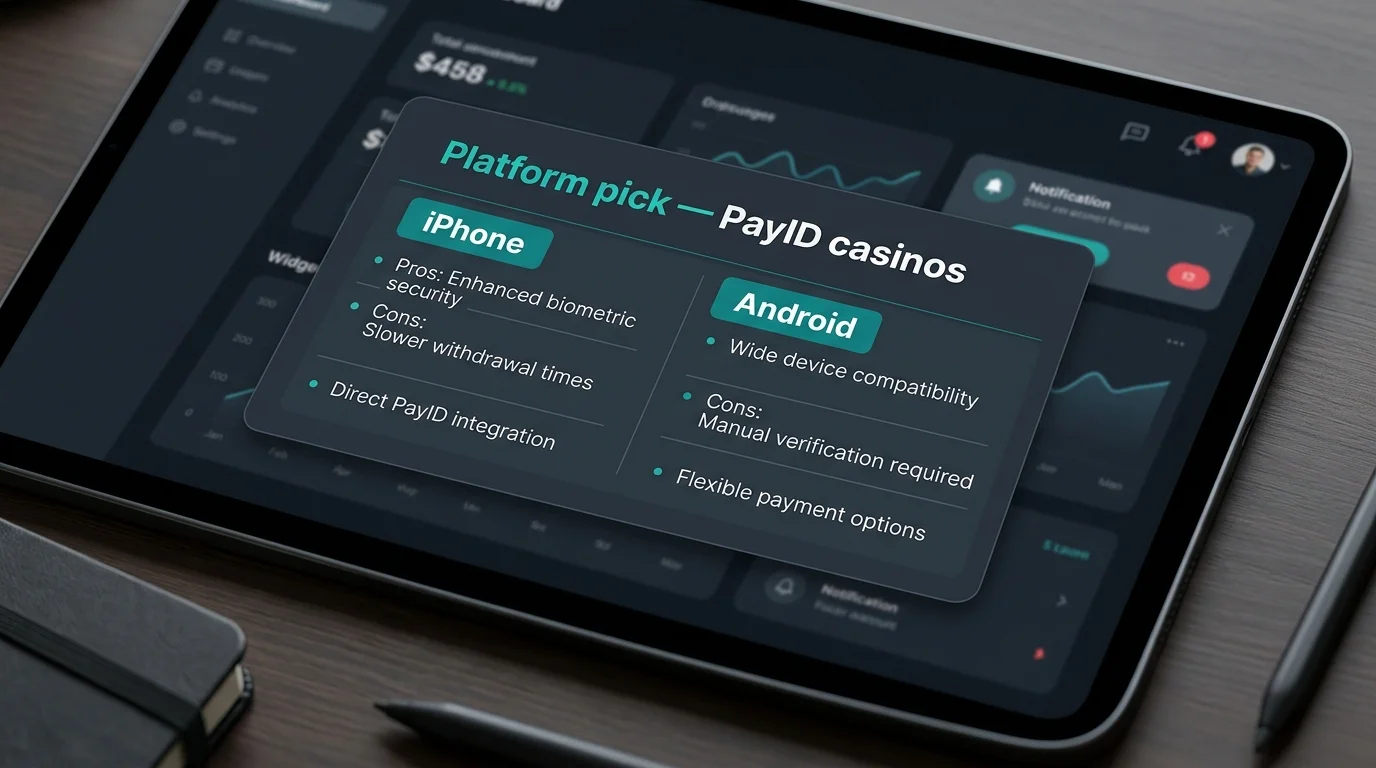
Both platforms work. iOS is marginally smoother due to Universal Links reliability; Android is marginally more flexible due to PWA installation simplicity. Neither difference rises to the level of changing devices. The platform you already own is the platform you should continue to use, with the operational notes above describing the small differences in the deposit flow. For users who hold both devices and want to test, the iOS PWA on Safari plus a Big Four banking app is the smoothest configuration available; the equivalent on Android works essentially the same way with the small Intent-return friction described. For most punters the choice does not matter, and the marketing claims you see suggesting otherwise are usually written by people who have not tested both flows side by side.
The transition that closed an era and opened the current one POLi was the default Australian casino deposit method for nearly seventeen years. Founded in 2006, it processed billions of…
What BetStop covers, and the gap it leaves on PayID-funded play The…
The welcome bonus is the operator's bet on you, not yours on…
Two limit ceilings sit between you and the cashier A reader emailed…
Created by the "casinopayidau.com" editorial team.