New PayID Casinos Launched in 2026
Why new casinos sit in a category of their own A reader emailed me in February asking why I had not yet added a particular operator to my notes —…

Westpac PayID for AU casinos: limit increases, Gambling Stop function, Verify Code prompts and what to do when a deposit silently fails
 Available in AU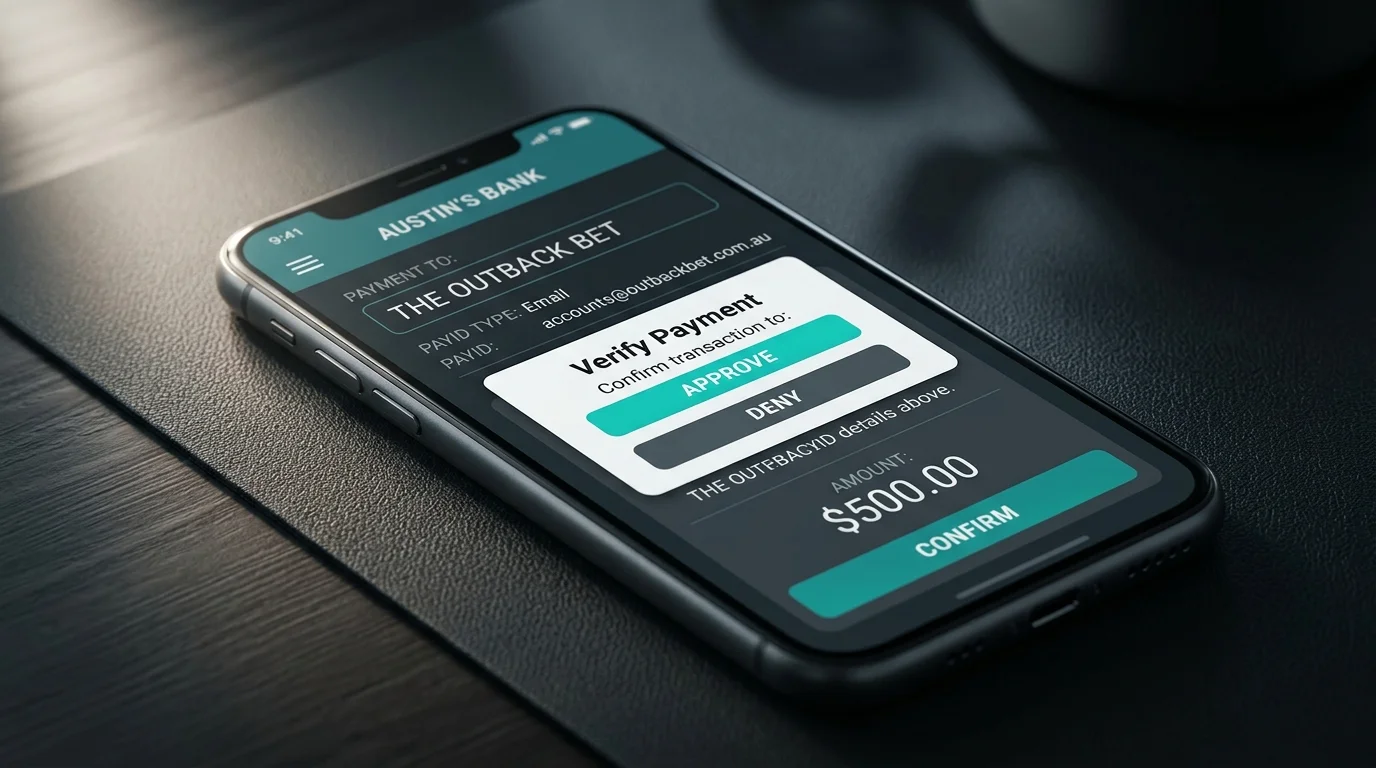
The second-most-common bank I see in PayID casino deposits is Westpac, and the user experience differs from CommBank in ways that matter. Westpac’s fraud overlay is more aggressive on first-time payees, the Westpac Verify second-factor adds an extra confirmation step on most outbound transfers, and the bank’s Gambling Stop tool runs on a slightly different architecture than CommBank’s equivalent. None of these differences make Westpac worse for casino deposits — they just mean a Westpac customer should know which prompts to expect.
The daily limit ceiling for Westpac PayID matches the Big Four standard at A$25,000 per day when fully verified in the Westpac app. The setup flow takes a few more taps than CommBank’s because Westpac runs an additional security review layer on alias registration. This piece walks the operational details a Westpac customer needs to know before sending their first PayID transfer to an offshore casino.
Open the Westpac app, log in, and tap More from the bottom navigation. Select “Manage PayID” from the services list. The screen presents two alias options — mobile number and email address — plus the ABN option for business customers. Standard retail customers will use mobile or email.
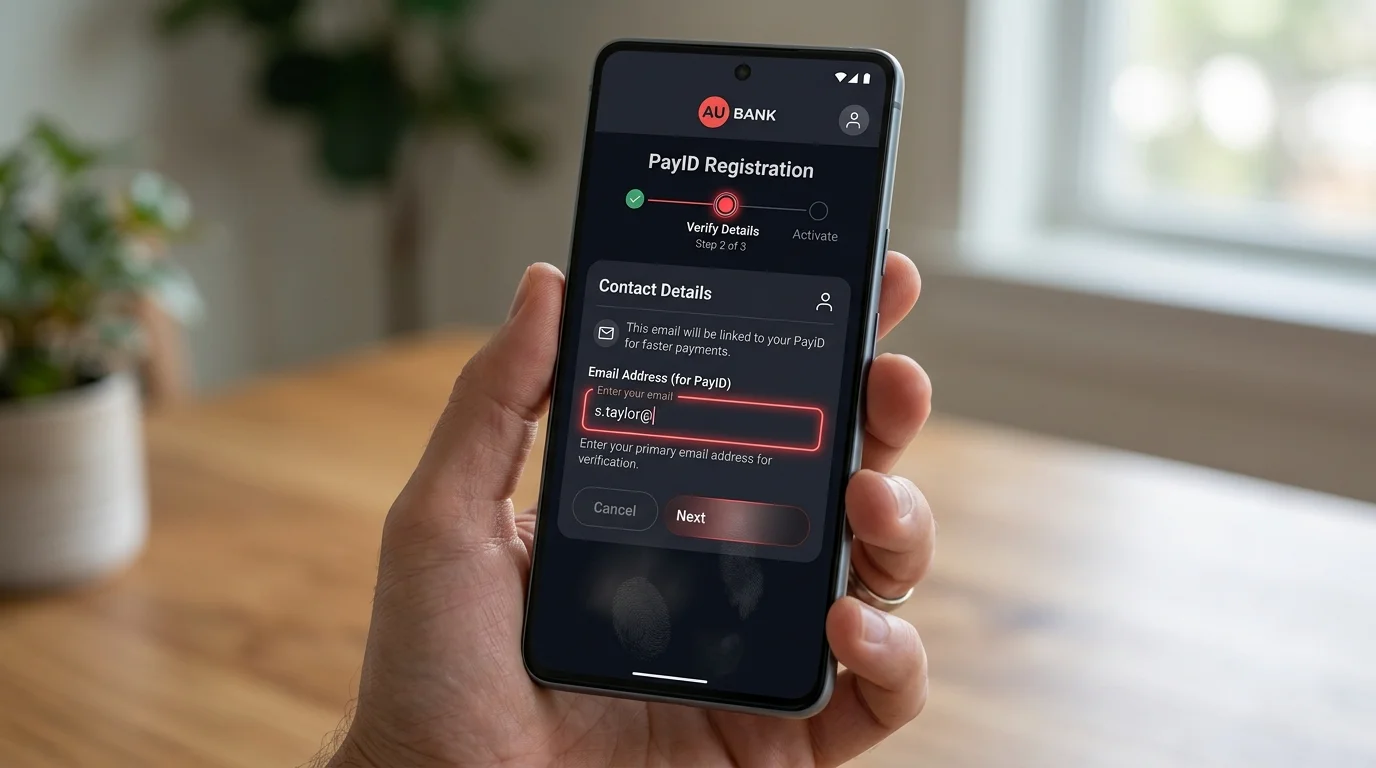
Select mobile or email, confirm the alias the bank has on file, and tap Create PayID. Westpac sends a confirmation code to the alias by SMS or email link. Enter the code or click the link to verify. The PayID is then registered against your nominated transaction account, which you can adjust in the same flow if you want a different account to receive funds.
Westpac’s alias creation includes an additional consent screen confirming that you understand PayID is a public-facing identifier that anyone can use to send you money. This is a regulatory disclosure the other Big Four banks have folded into the verification flow but Westpac surfaces explicitly. Tap accept and the alias activates.
One Westpac-specific behaviour worth noting: if you have multiple Westpac accounts — for example, an everyday transaction account plus a savings account — the PayID alias attaches to one account only, and switching the receiving account later requires going through the manage-PayID flow again. Set the destination correctly during initial registration to avoid having to repeat the verification steps.
Removal works through the same Manage PayID screen. Select the alias, tap Close PayID, and confirm. The alias deregisters within a few seconds and stops routing incoming payments.
Westpac’s default daily transfer limit for new accounts sits at A$5,000 per day, which is higher than CommBank’s default but capped at the same A$25,000 ceiling when raised through the app. The default is set conservatively for new account holders and most customers raise the limit at some point to accommodate everyday banking, not just gambling deposits. The Big Four standard of A$25,000 per day in-app applies across CommBank, Westpac, and NAB, with ANZ slightly lower at A$20,000.
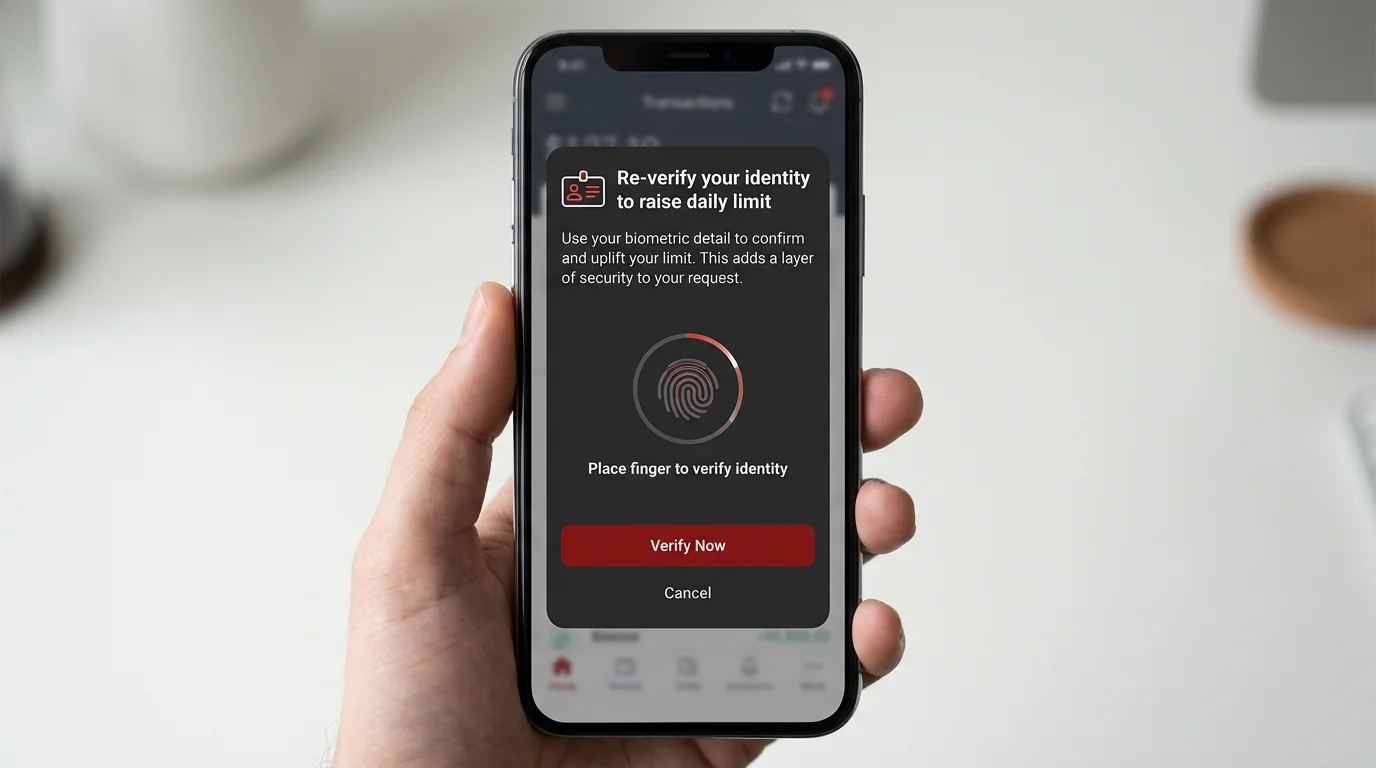
To raise the limit, open the Westpac app, navigate to Profile, then Daily Payment Limit. The flow asks for the new limit value, sends a Westpac Verify push notification to the registered device, and applies the new limit once you confirm. The verification typically clears within 15 to 30 seconds. Limits between A$5,000 and A$25,000 can be set in any increment, allowing fine-tuned control if you want, for instance, A$15,000 daily rather than the full ceiling.
Higher limits than A$25,000 per day require a phone call to Westpac. The bank’s customer service line can authorise temporary lifts up to A$100,000 for specific named transactions, with verification handled over the phone and the lift applying only to that single transfer. The limit returns to standard the next business day.
The daily limit clock resets at midnight Sydney time. Some Westpac customers exploit the rollover window for higher-value transfers, sending A$25,000 at 11:55 PM AEST and the next A$25,000 at 12:01 AM AEST — though this pattern attracts fraud-team attention more readily at Westpac than at CommBank.
Westpac Verify is the second-factor confirmation system that runs on outbound transfers. It is the equivalent of CommBank’s NetCode but more aggressive in its triggering — Verify fires on virtually every first-time-payee transfer regardless of amount, and continues to fire periodically on subsequent transfers to the same payee.
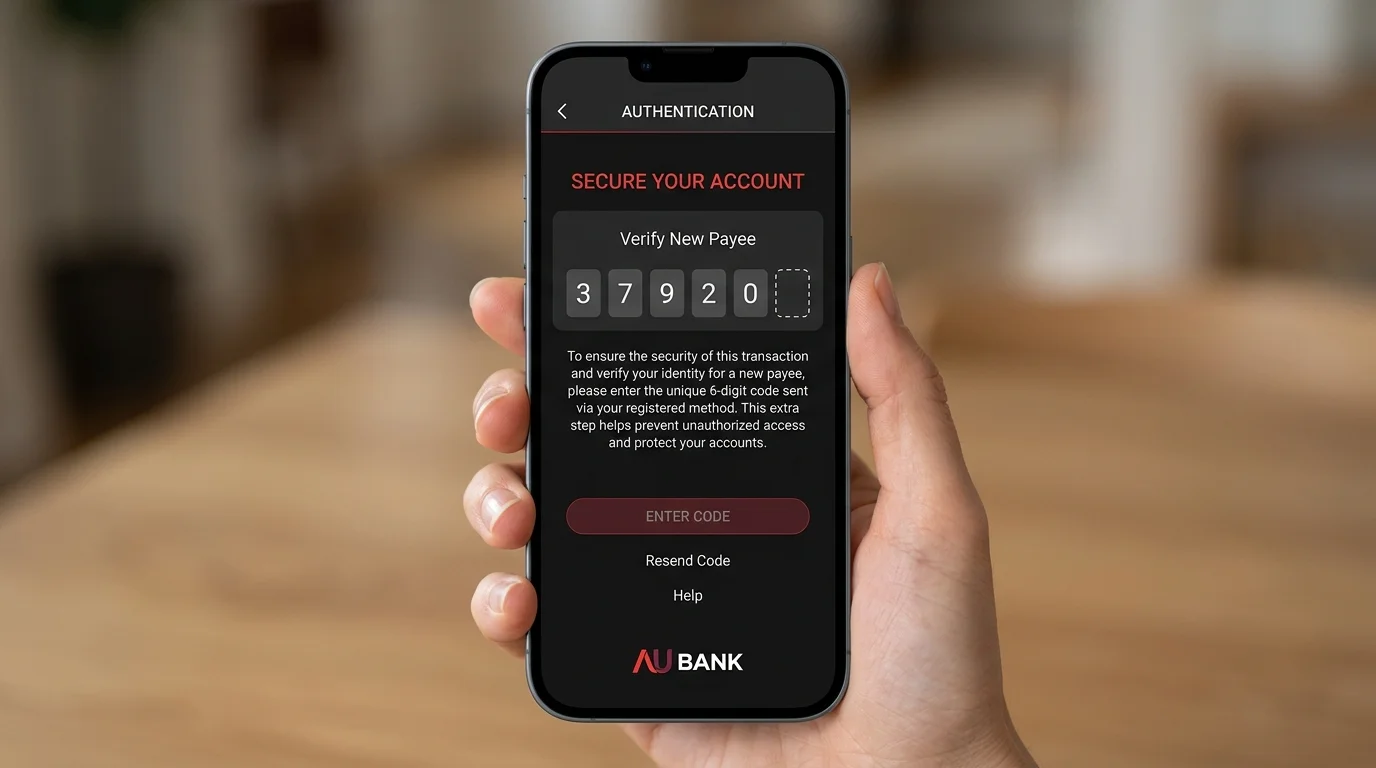
The flow looks like this. You enter the PayID alias in the cashier or in the Westpac app’s pay-anyone flow, enter the amount, and tap Pay. Westpac displays a confirmation screen showing the recipient alias and the amount, then triggers a Westpac Verify push to your registered device. The push notification asks you to confirm the transaction, with three options: Yes, this is me; No, I did not initiate this; or Talk to a banker.
For casino PayID transfers specifically, Verify almost always fires. The transaction profile — outbound transfer to an unfamiliar alias, amount typically A$50 to A$2,000 — matches the bank’s scam-detection model closely, which means even straightforward casino deposits get verified. Confirm the transaction through the push and the transfer proceeds within seconds. The verification process is friction but not blocking.
The cases where Verify does block are first-time large transfers (typically A$5,000 or more to a new payee), transfers that match patterns the fraud engine considers scam-victim behaviour, and transfers from devices the bank has not yet recognised as belonging to you. In these cases the push notification routes you to a phone call from the Westpac fraud team, usually within 10 to 30 minutes. The call confirms the transaction is voluntary and the agent releases the hold.
Westpac’s Gambling Stop is the bank’s harm-reduction tool, similar in concept to CommBank’s Gambling Block. The tool blocks card transactions to merchants tagged with the gambling MCC (7995), preventing both onshore and most offshore card-funded gambling once activated. For players using Gambling Stop as a self-management tool, it works exactly as designed on card-based gambling.
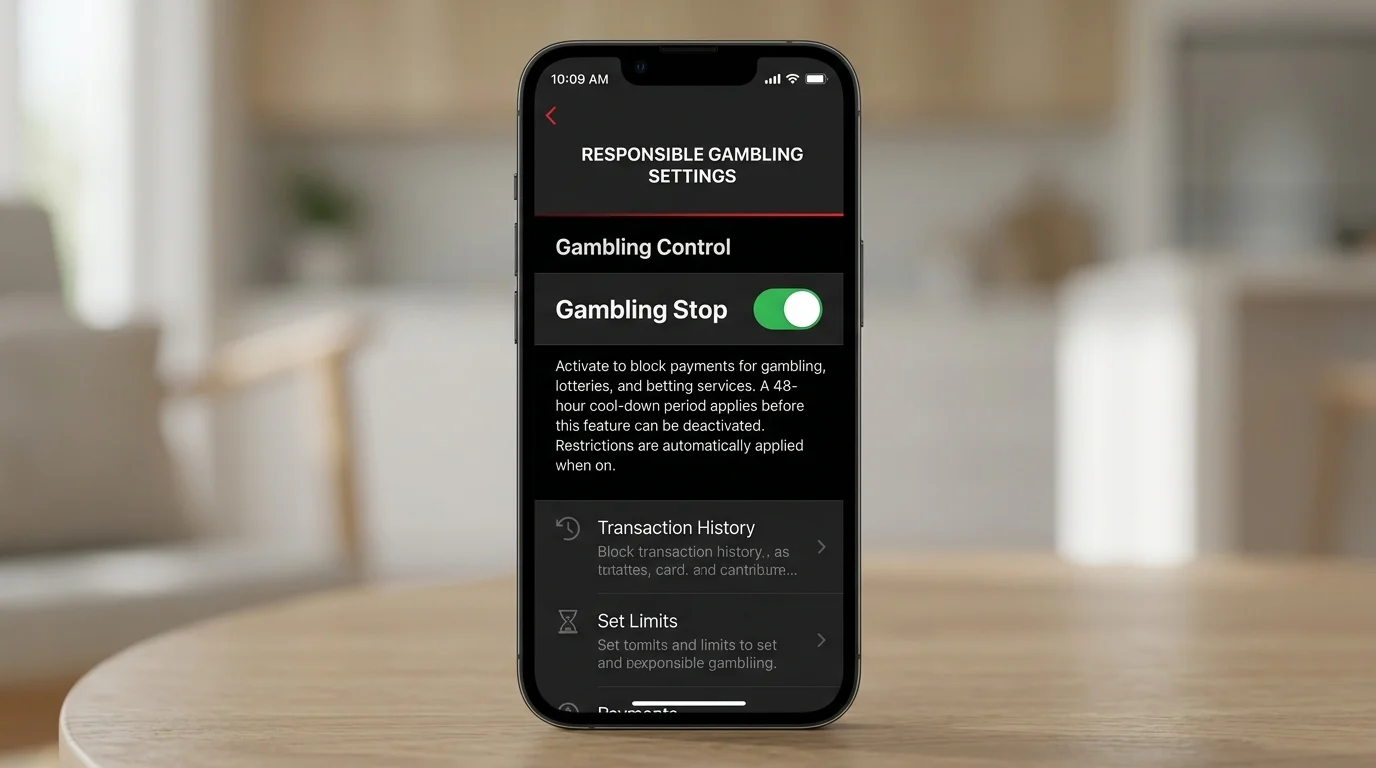
The structural limit on PayID is the same as it is for every bank-side gambling block: PayID transfers do not flow through card networks, so the MCC tag is absent at the transaction layer. Westpac Gambling Stop cannot identify a PayID transfer as a gambling transaction because the rail does not carry that classification — it only sees an outbound NPP transfer to an Australian bank account, which is structurally indistinguishable from sending money to a friend or paying a tradie.
This gap is a known feature, not a flaw, and Westpac documents it openly. Players seeking genuine gambling self-exclusion that covers PayID need to layer BetStop registration on top of Gambling Stop. Australia recorded 49,382 BetStop registrations in Q1 of the 2025-26 financial year, with the lifetime registration tally climbing steadily — BetStop is the canonical layer for self-exclusion that closes the PayID gap. NAB runs an analogous Gambling Block with the same MCC-based architecture; the NAB’s equivalent gambling controls piece covers the comparison.
The failure modes at Westpac map closely to CommBank’s, but with slightly different proportions. First, daily limit issues are roughly half the failed transfers — a Westpac customer with the default A$5,000 limit who tries to send A$6,000 will see the transfer fail. The fix is to raise the limit in-app before attempting the transfer.
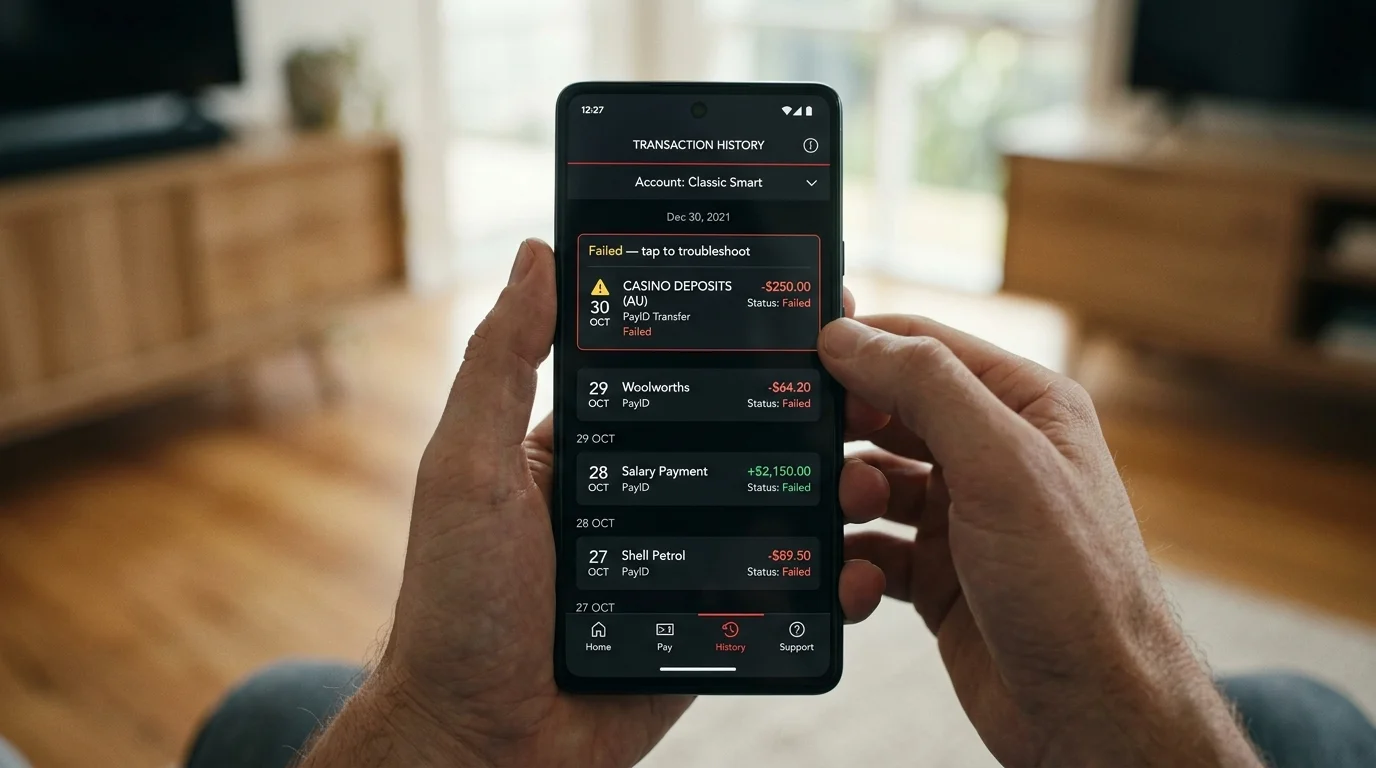
Second, Westpac Verify holds. The push notification fires, the customer either does not see it or dismisses it accidentally, and the transfer remains pending until a fraud team call resolves it. The window is typically 2 to 8 hours during business hours and 12 to 24 hours overnight or on weekends.
Third, name mismatch between the Westpac account holder name and the casino account name. The casino’s deposit-validation logic compares the originating account name to the registered player name; mismatches return the transfer and lock the casino account pending verification. The fix is to ensure both names match exactly before sending.
Fourth, less common but worth flagging: Westpac occasionally pre-empts transactions to known offshore casino aliases by blocking them at the fraud layer outright, requiring an in-person or phone-based override. This is more aggressive than CommBank’s equivalent behaviour and reflects Westpac’s slightly more conservative offshore-transaction posture.
Westpac is a reliable but more friction-heavy rail than CommBank for casino PayID transfers. The Verify second factor is the main source of friction, and while it almost never blocks a legitimate transaction outright, it adds 10 to 30 seconds to each transfer for confirmation. For a customer who already banks with Westpac, this is acceptable overhead. For a customer choosing a bank specifically to optimise the PayID-to-casino flow, CommBank is the marginally smoother choice. Westpac’s value sits in the Verify layer itself — the same friction that slows legitimate transfers also catches more scam attempts than the lighter-touch alternatives, which is the trade-off a Westpac customer is implicitly making.
Why new casinos sit in a category of their own A reader emailed me in February asking why I had not yet added a particular operator to my notes —…
Why no-deposit bonuses are the unicorns of the PayID segment Three weeks…
The 3 AM test that reveals the operator no marketing copy describes…
Why NAB sits in a category of its own among the Big…
Created by the "casinopayidau.com" editorial team.