New PayID Casinos Launched in 2026
Why new casinos sit in a category of their own A reader emailed me in February asking why I had not yet added a particular operator to my notes —…

Six reasons PayID casino deposits fail in Australia — limit, fraud overlay, alias, name mismatch, MCC block, timeout — and the diagnosis flow
 Available in AU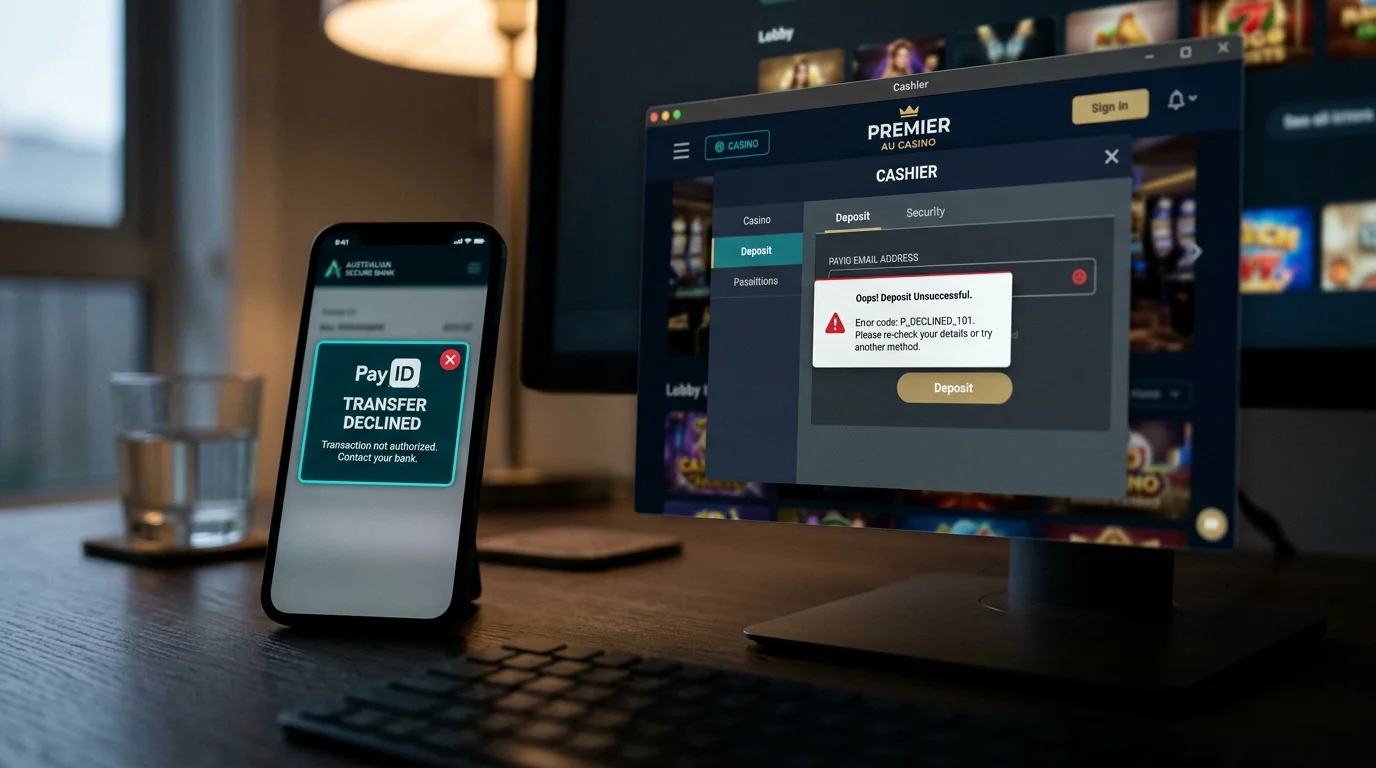
The pattern is consistent enough that I keep a printed checklist next to my desk. Over nine years of watching PayID transactions either work or fail, more than 95 per cent of failures resolve to one of six root causes. None of them are mysterious, none require contacting support to identify, and all of them can be diagnosed in under five minutes if you know what to look for. The remaining 5 per cent are exotic edge cases — corrupted operator cashiers, NPP outages during scheduled maintenance, regional banking incidents — that I cannot diagnose and neither can the player.
This piece walks the six common causes in the order I check them. The same diagnostic order applies whether you bank with the Big Four, a mid-tier, a mutual, or a neobank. The order matters because the cheap checks come first — the ones you can do in 30 seconds with your phone in hand — and the expensive checks (calling the bank, escalating to casino support) come last after the cheap checks have ruled out the obvious causes.
This is the most common cause, accounting for roughly a third of all declined deposits I see. The Big Four banks set in-app daily PayID limits at A$20,000 to A$25,000 per day depending on the bank, but the default for new accounts is typically A$1,000 to A$5,000 — a much lower ceiling that customers often forget about.
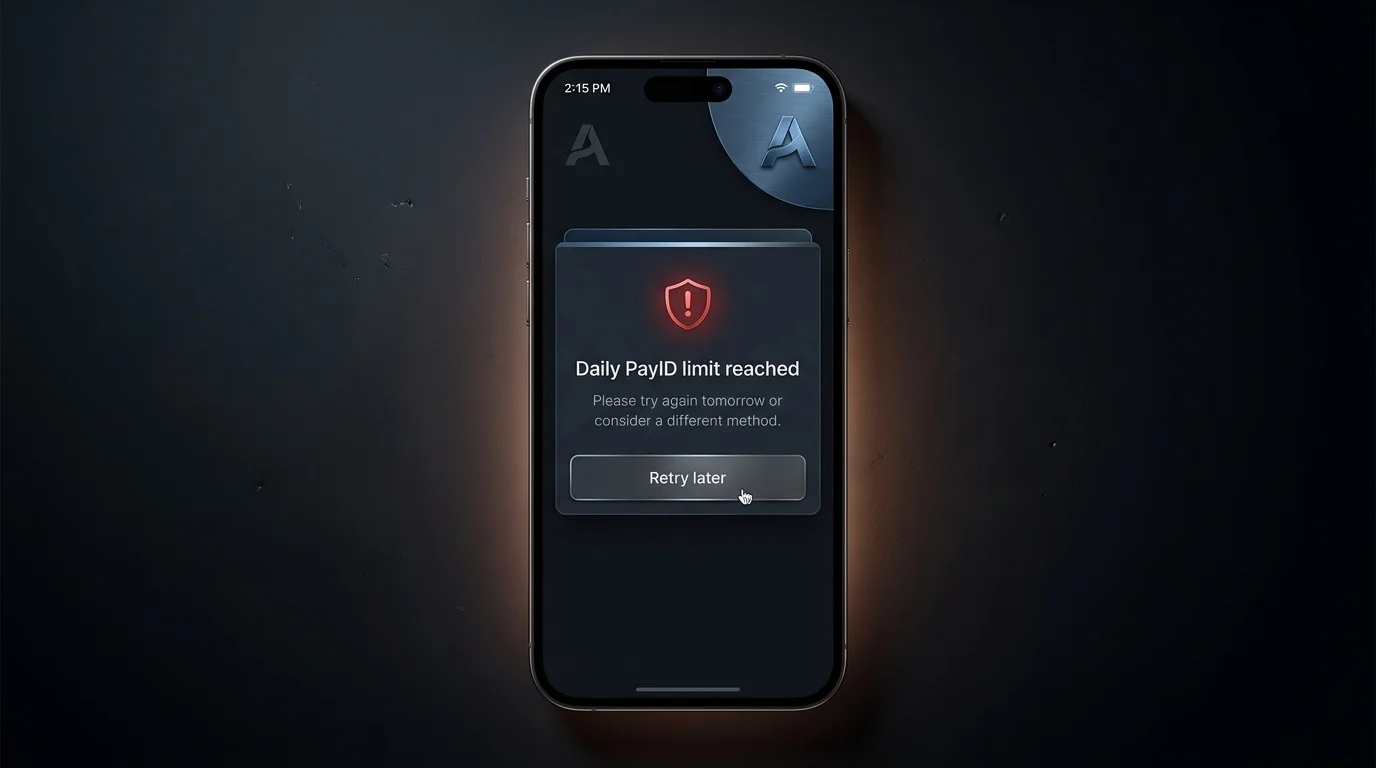
The diagnostic is simple. Open your banking app, navigate to settings, and check the current standing daily limit. If the limit is below your intended deposit amount, the cashier will return a generic “deposit declined” or “transaction failed” message without specifying the cause. The actual cause is sitting in your own bank settings.
The fix is to raise the limit in-app. CommBank, Westpac, NAB, and ANZ all support in-app limit raises up to the bank’s maximum (A$25,000 for the first three, A$20,000 for ANZ), with verification typically clearing in 30 seconds to a few minutes. After the limit raises, retry the deposit. Note that some banks add a short delay between limit-raise approval and the new limit becoming active — NAB in particular adds 15 to 60 minutes — so wait briefly before retrying.
This is the second-most-common cause and the one that frustrates players the most because there is no immediate error in the cashier. The deposit submits, the cashier shows “pending,” and nothing else happens for hours. The transfer is sitting in the bank’s fraud-review queue. The frequency of this is partly driven by the growth of “scambling” — AUSTRAC’s term for scam operations that disguise themselves as casino-like fronts — and the resulting tightening of bank-side controls on first-time-payee transfers to offshore-linked aliases. Tim Costello has argued openly that Australia needs a coordinated national strategy to address the convergence of gambling and financial harm, and the bank-side fraud overlays are part of how that strategy plays out at the transaction layer.
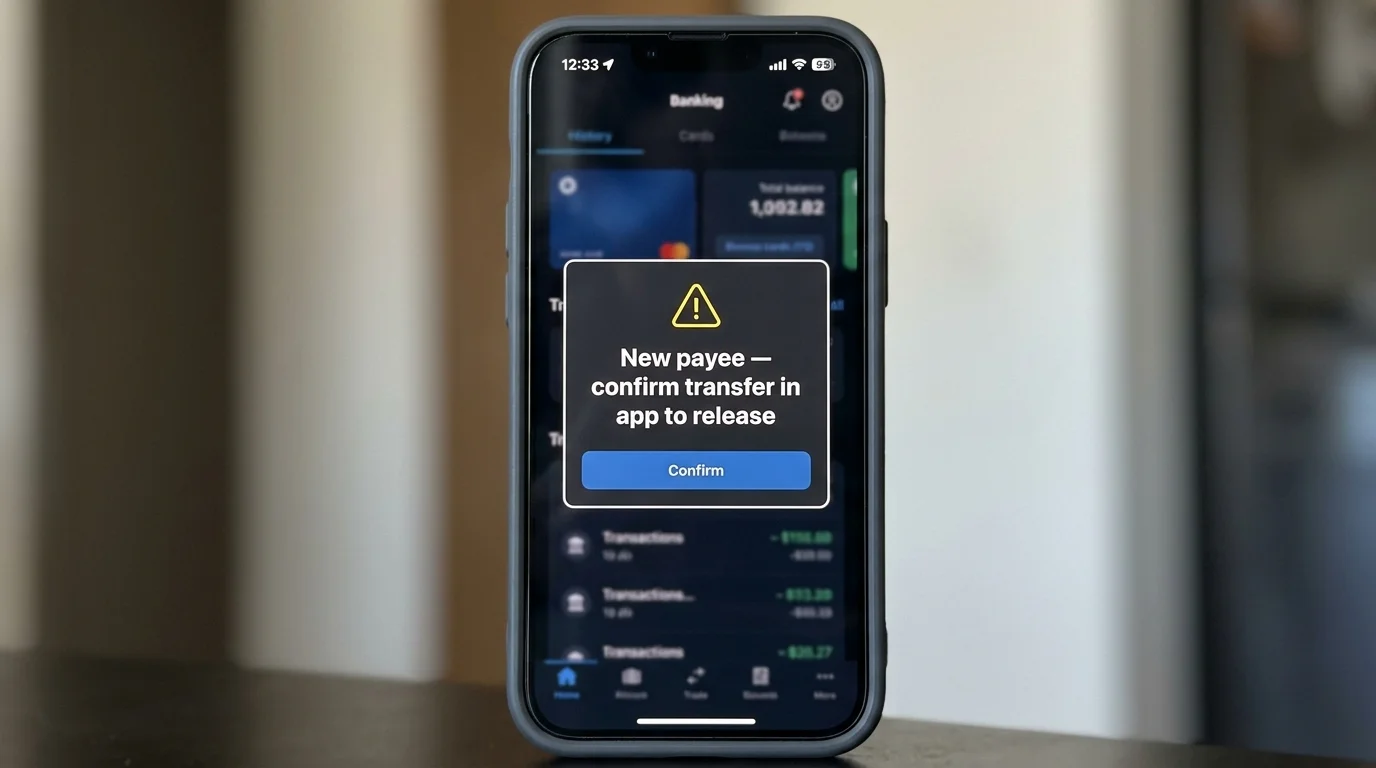
The diagnostic is to open your banking app and check the transaction list. A held transfer typically shows as “pending review” or “awaiting confirmation” rather than “completed” or “failed.” Some banks also send push notifications or in-app messages asking you to confirm the transaction — these are easy to miss if the app is closed.
The fix depends on the bank. CommBank usually clears holds via in-app confirmation prompt. Westpac uses the Verify push notification. NAB and ANZ are more likely to escalate to an outbound phone call from the fraud team. In all cases, the resolution is to confirm the transaction is voluntary and the destination is intentional. Once confirmed, the transfer typically clears within 5 to 30 minutes during business hours and 30 to 90 minutes overnight. Future transfers to the same alias usually clear without the hold.
This is the cause that nobody anticipates because it is the casino’s mistake, not the player’s. Operators occasionally update their PayID receiving alias — usually due to a banking partner change or a compliance restructure — and the cashier displays the old alias to players who have not refreshed their session.
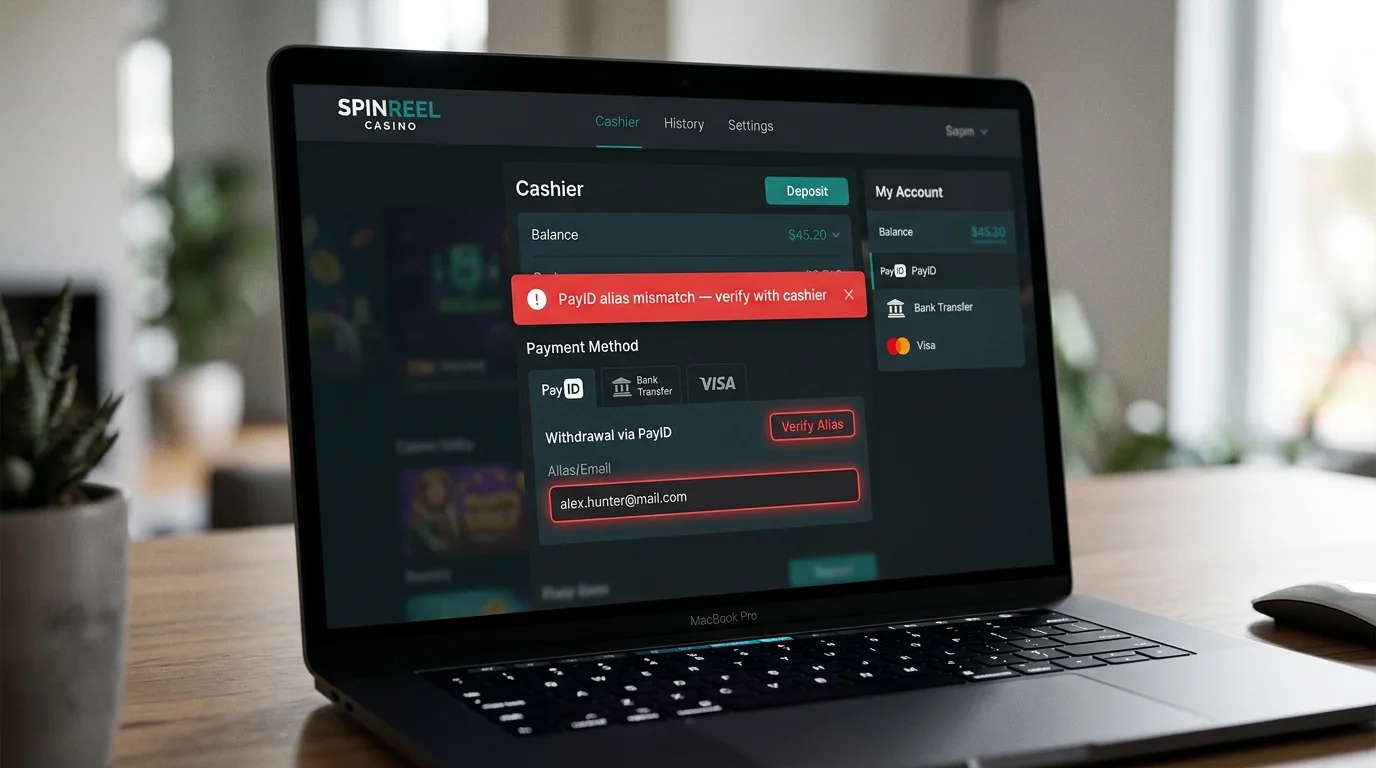
The diagnostic is to copy the alias the cashier is showing and paste it into your banking app’s “find PayID” lookup. If the bank returns “alias not found” or returns a name that does not match the casino’s expected receiving entity, the alias is stale. Refresh the cashier page (or close and reopen the casino app) and check whether a new alias appears.
The fix is to use the refreshed alias. If the cashier persistently shows an alias the bank cannot find, contact casino support and ask for the current alias directly. Some operators publish their alias on a dedicated payments page that is updated more reliably than the cashier; check there before assuming support is needed.
Name mismatch is the fourth-most-common decline cause. The casino’s deposit-validation logic compares the originating account name on the PayID transfer to the registered player name on the casino account. If they differ — even by abbreviation, hyphenation, or middle-name presence — the deposit is flagged, returned to the bank, and may cause the casino to lock the player account pending verification.
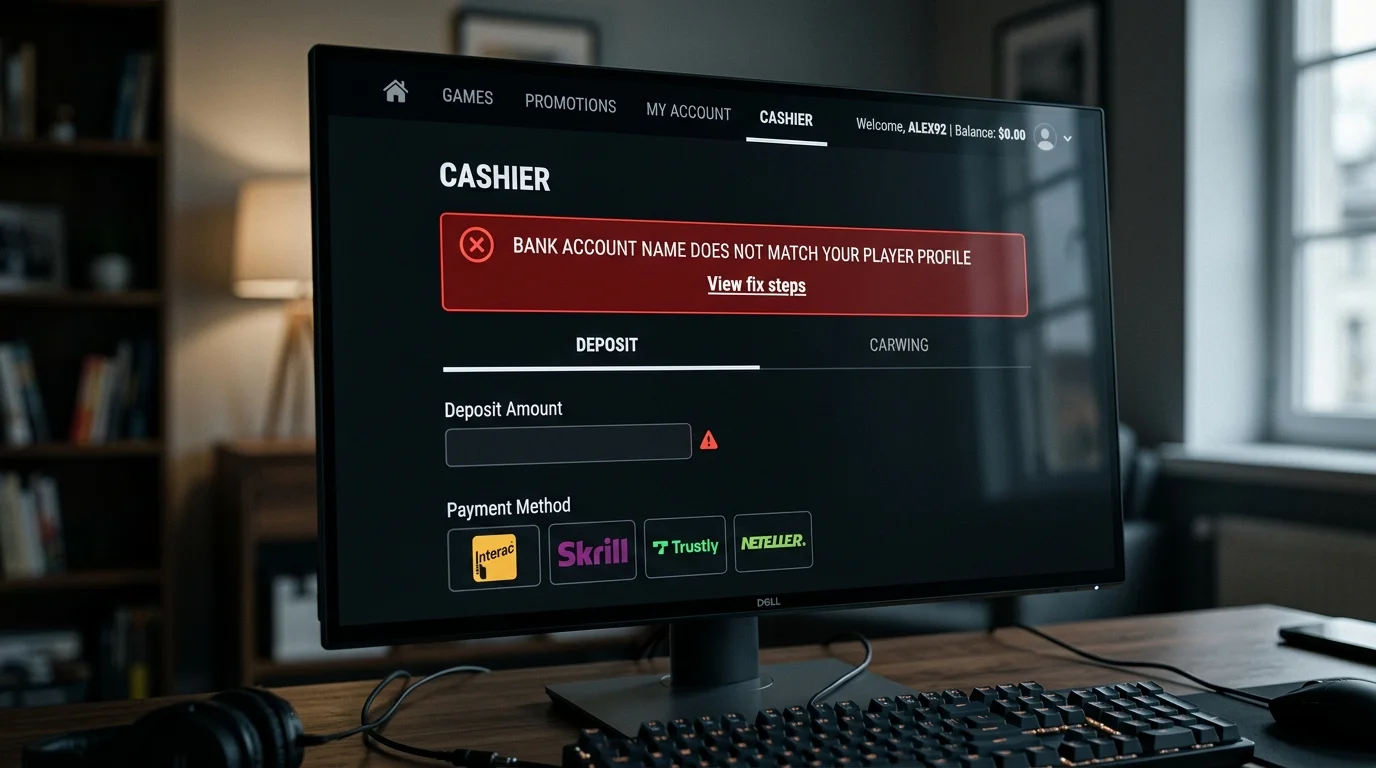
The diagnostic is to compare the legal name on your banking documents (typically what your debit card or bank statements display) to the name on file in your casino account. The casino name is usually in your account profile under “personal details.” Look for any difference at all — punctuation, capitalisation, name order.
The fix depends on whether the mismatch is intentional or accidental. If you registered the casino account with a nickname or partial name, update the profile to match your legal name before retrying. If the mismatch is structural — for example, your bank uses one name format and the casino requires another — the resolution may require submitting documents to the casino’s verification team. For a complete walkthrough of how to resolve mismatch issues, see the deep dive on name-mismatch resolution.
This is the cause that catches players who have previously enabled a self-exclusion tool and forgotten. CommBank’s Gambling Block, Westpac’s Gambling Stop, NAB’s Gambling Block, and ANZ’s equivalent all operate on merchant category codes — they block card transactions to gambling MCC merchants but, structurally, cannot block PayID transfers because PayID does not carry an MCC.
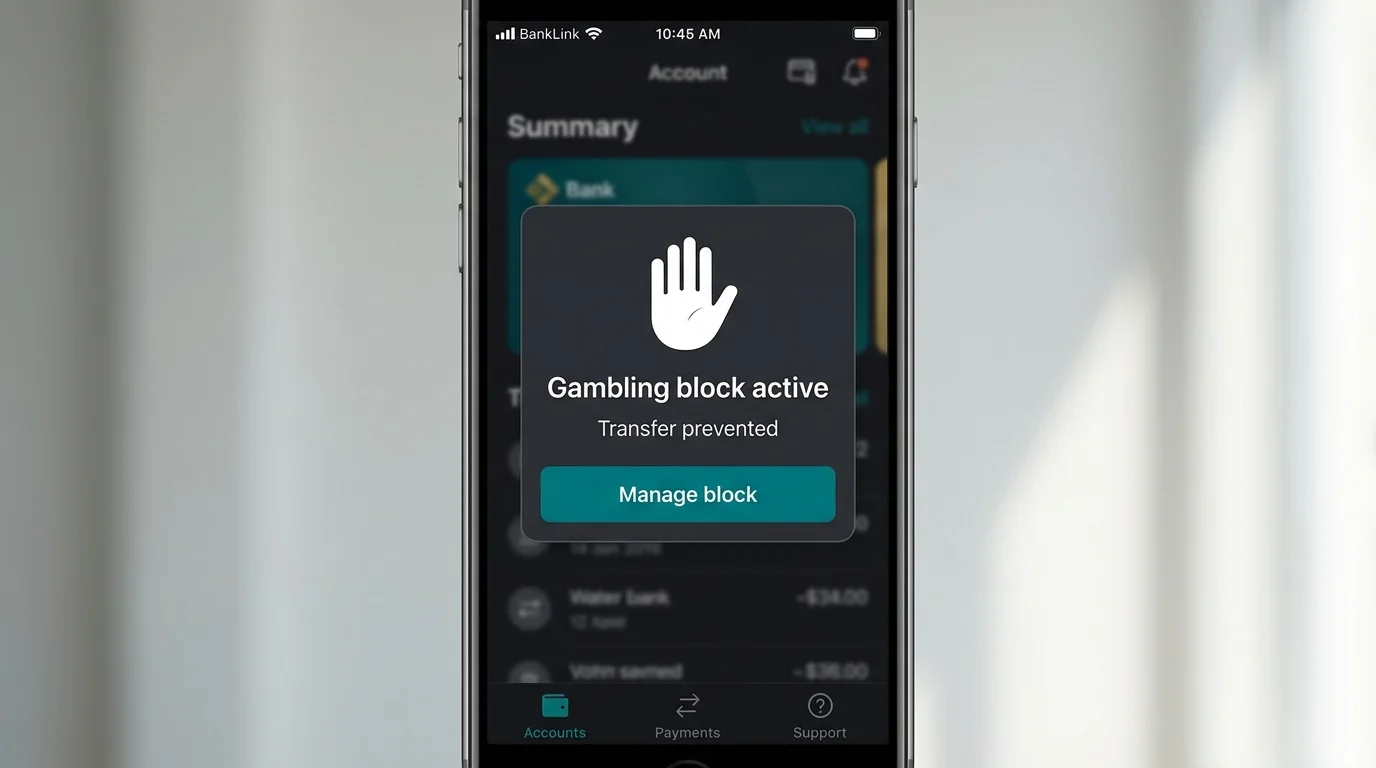
The diagnostic is to check whether you have any gambling-block tool enabled in your banking app. If you do, and your deposit method is a card, the block is the cause. If you are using PayID, the block is not technically the cause but the player may be using PayID specifically because their card is blocked. The intent of the block was self-management, and using PayID to circumvent it is worth pausing on as a separate question.
The fix, if you genuinely want to deposit, is to disable the block in-app. Most banks add a 24 to 48 hour cooldown before a disabled block actually clears, which is a deliberate friction designed to encourage reflection. The friction exists for a reason — players who enabled the block and then want to disable it should sit with the question for the cooldown period before depositing.
The cashier session expiry is a quieter failure mode that catches first-time players who take longer than expected on the bank-side confirmation. The casino cashier typically holds the deposit slot open for 5 to 15 minutes after you initiate. If the bank-side flow — limit check, fraud confirmation, two-factor authentication — takes longer than the cashier’s holding window, the deposit submission returns successful from the bank but the casino has already closed the session.
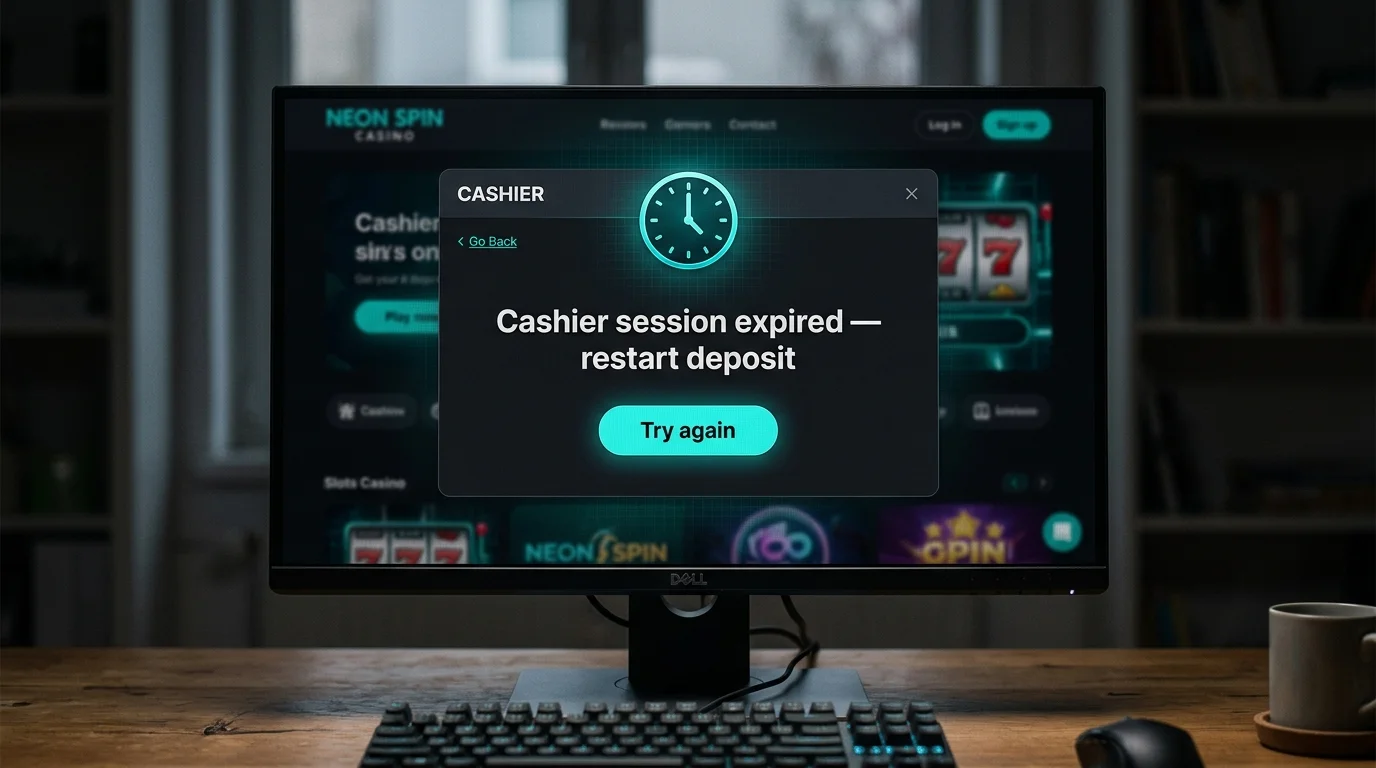
The diagnostic is to check whether your bank statement shows the transfer as completed while the casino cashier shows it as not received. If the bank says paid and the casino says not paid, the cashier session likely expired.
The fix is to contact casino support with the transfer reference number from your bank statement. The operator’s compliance team can match the inbound transfer to your account manually and credit the deposit, usually within 4 to 12 hours. The funds do not vanish — they sit in the operator’s holding account waiting to be matched — but the process of matching them requires support involvement.
Run the checks in order, one at a time, and stop at the first cause that matches. Open your banking app first. Check the daily limit — does it cover the deposit amount? If no, raise the limit and retry. Check the transaction list — is the transfer pending or held? If yes, look for in-app prompts or expect a fraud-team call.
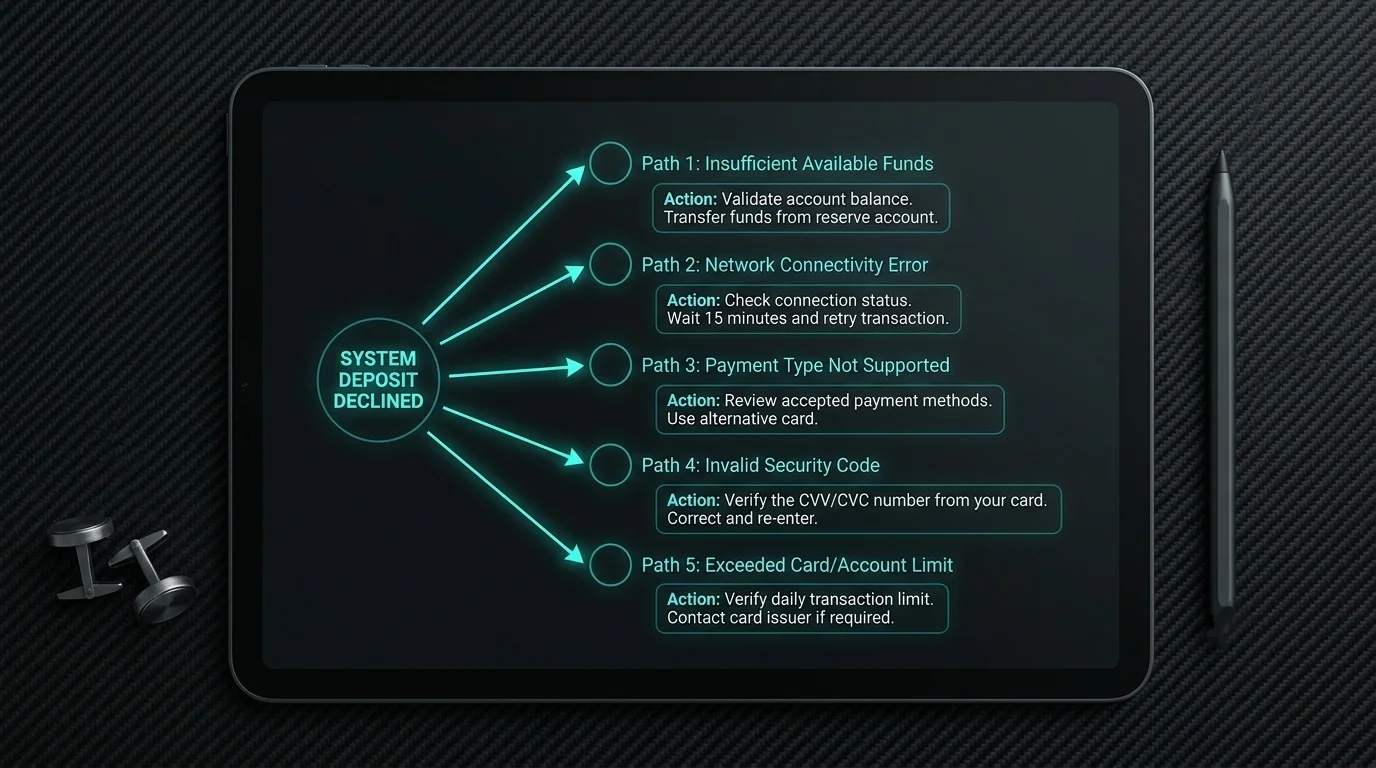
If the bank side is clean, move to the casino side. Verify the alias the cashier is showing by looking it up in your banking app. If the bank cannot find the alias, refresh the cashier and try the updated alias. Compare your bank account name to your casino account name. If they differ, fix the mismatch before retrying.
If both bank and casino sides look correct and the transfer still fails, check for gambling blocks in the banking app and cashier session expiry signals (transfer completed in bank but not received in casino). Five minutes covers the entire diagnostic flow, and 95 per cent of decline cases resolve at one of these checkpoints without ever needing to contact support.
The remaining 5 per cent of cases involve issues that the player cannot diagnose alone. These include NPP-wide outages (rare, but they happen during scheduled maintenance windows), operator-specific cashier bugs (more common, usually fixed within hours), bank-specific outbound issues affecting one rail, and compliance-team blacklisting of specific operator aliases (rare, but irreversible from the player’s end). When the five-minute diagnostic produces no clear cause, the next step is to contact casino support with the transaction details and request a status check. The diagnostic itself, if you have walked through it, will give you the information support needs to identify the issue quickly rather than running through the standard scripted prompts.
Why new casinos sit in a category of their own A reader emailed me in February asking why I had not yet added a particular operator to my notes —…
Why CommBank ends up being the default Aussie casino rail Roughly seven…
Why the device choice matters less than the platform policies behind it…
The name match is a feature, not a bug The first time…
Prepared by the casinopayidau.com editorial staff.